IAM Clients
The IAM offers OpenID Connect/OAuth client which users can use.
Creating Clients
- Log into the service and click on the My Clients tab
- You can create a new client using the +New client button.
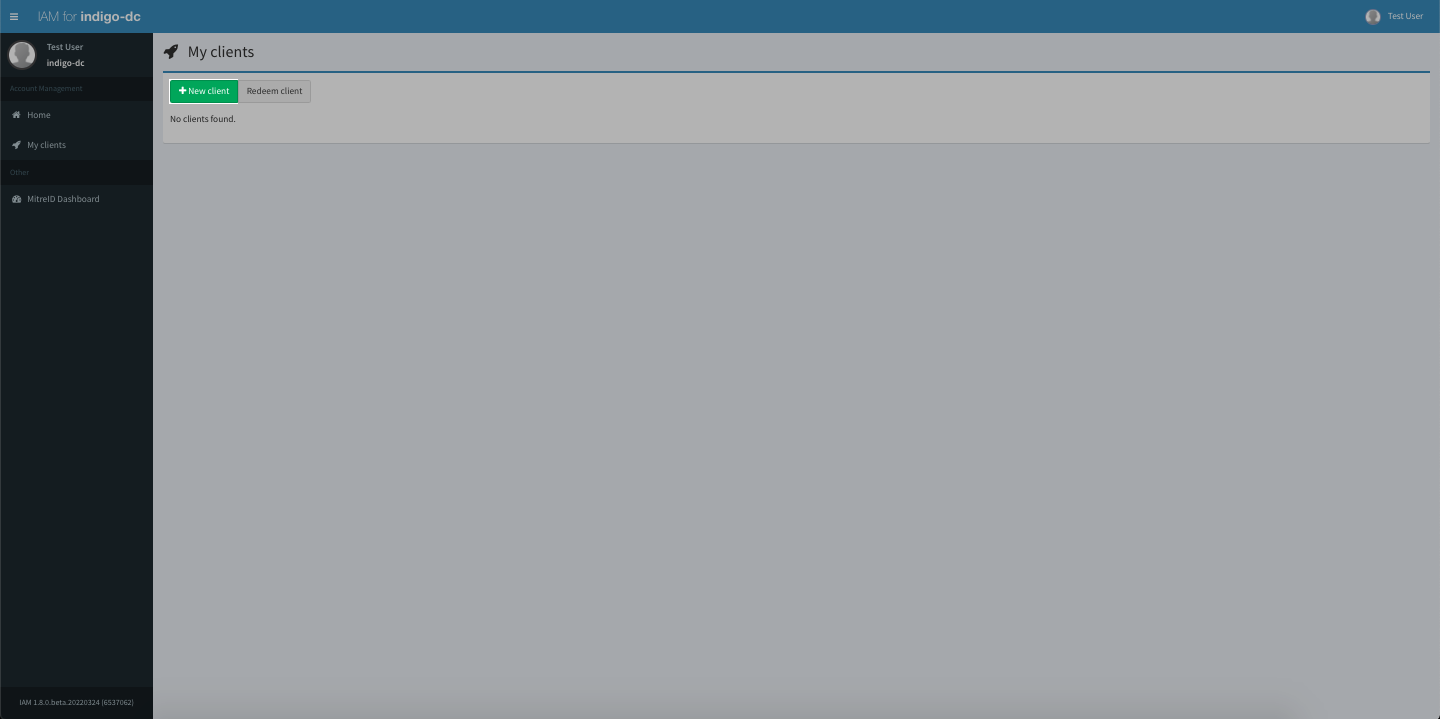
Create Client button - You can do some basic configurations before creating the client
- You can finalise the client creation with Save client button and the client secret will be generated.
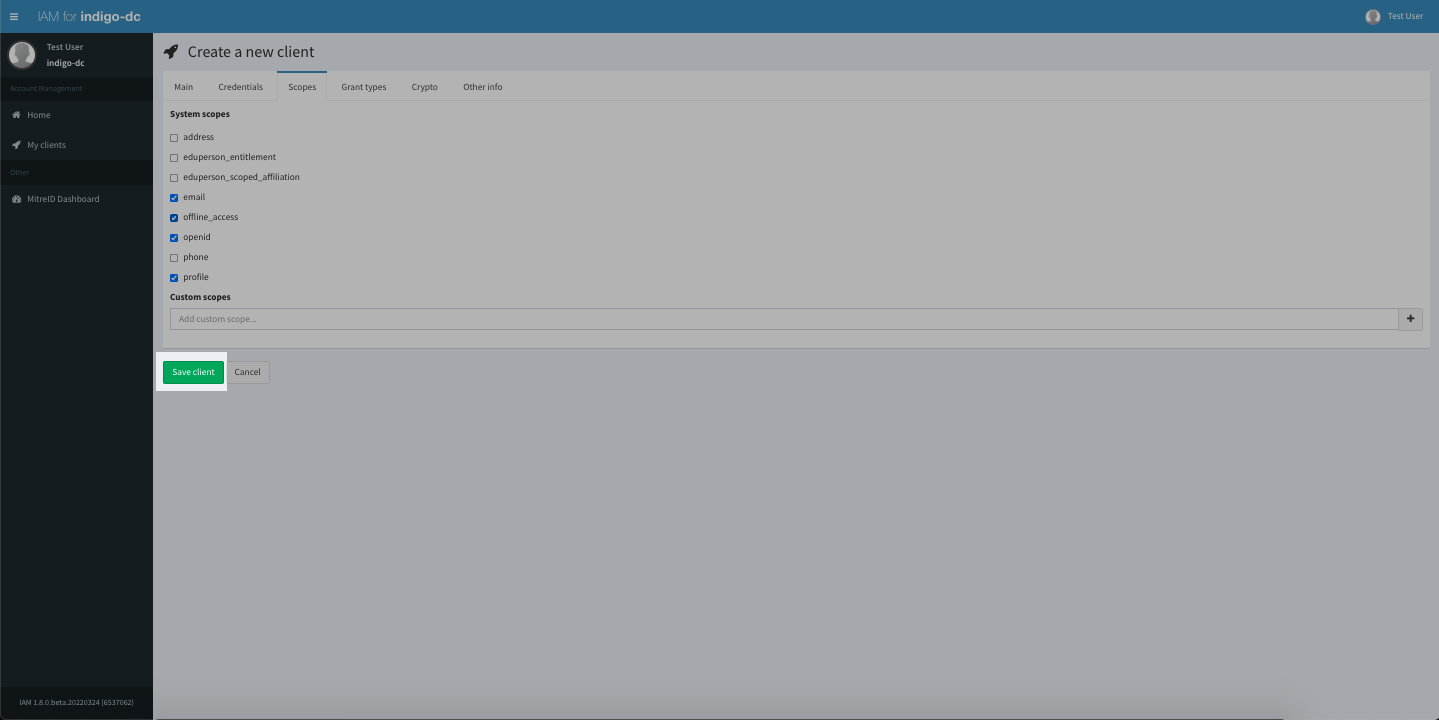
Save Client button - Youe can retrieve the client secret for use in your application via clicking the client > Credentials > Client secret
Endpoints
OIDC Discovery & Endpoints
The IRIS IAM and SKA IAM are OpenID Connect (OIDC) token issuers and implement the standard discovery protocol, exposing their metadata at a .well-known/openid-configuration address. This endpoint contains the information of the IdP in JSON format.
/authorize: Downstream applications directs the user here. They log in directly with IRIS IAM or SKA IAM (ot their SSO login), and IAM sends them back to the application with a temporary authorisation code./token: Downstream applications backend secretly sends the autorisation code from the above to this endpoint to exchange it for actual OIDC tokens (ID tokens, Access tokens, and/or Refresh tokens)./userinfo: Downstream application can present the Tokens here to obtain the user's information such as (name, email, and group information).
IRIS IAM
- OIDC Discovery URL:
https://iris-iam.stfc.ac.uk/.well-known/openid-configuration
| Endpoint | URL |
|---|---|
| Authorization | https://iris-iam.stfc.ac.uk/authorize |
| Token | https://iris-iam.stfc.ac.uk/token |
| User Info | https://iris-iam.stfc.ac.uk/userinfo |
SKA IAM
- OIDC Discovery URL:
https://ska-iam.stfc.ac.uk/.well-known/openid-configuration
| Endpoint | URL |
|---|---|
| Authorization | https://ska-iam.stfc.ac.uk/authorize |
| Token | https://ska-iam.stfc.ac.uk/token |
| User Info | https://ska-iam.stfc.ac.uk/userinfo |
Clients Configuration
This section will go through key configuration for the client.
Main
- Client name: Human readable name of client, non-unique
- Client id: Unique ID of your clients
- Redirect URIs: List of allowed Redirect URI for the clients usually pointing to your application.
- Contacts: Email contacts for admin of the Client
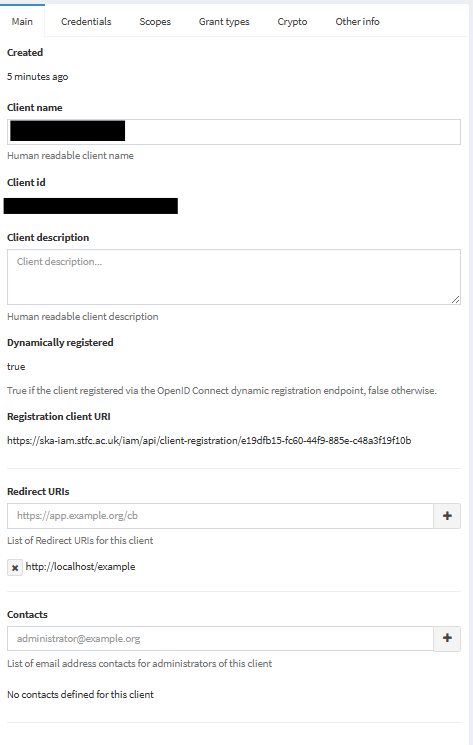
Client Info - Main
Credentials
- Token endpoint authentication method: Authentication method of your application
- Client secret: The secret of the client
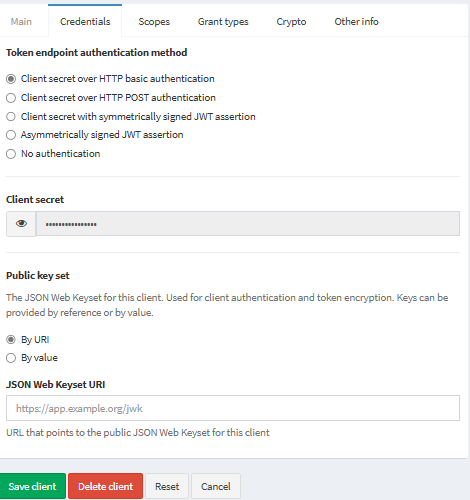
Client Info - Credentials
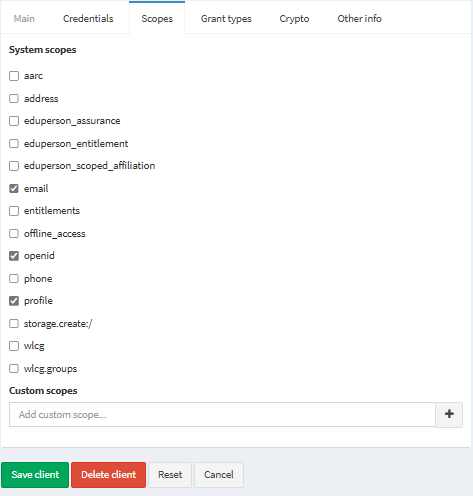
Scopes
You can use the scopes avaliable for the IAM or build your own custom scopes.
JWT profiles
A JWT profile is a named set of rules that defines which information is included in access tokens, id tokens, userinfo and introspection responses issued by IAM in an OAuth/OIDC message exchanges.
There are 4 unique scopes that set the token profile used in the client, Please only enable 1 in any client:
- aarc: AARC token profile
- iam: INDIGO IAM token profile
- wlcg: WLCG token profile
- kc: keycloak token profile
Info
You should only enable 1 of the above scopes, enabling multiple will cause the IAM to default back to the system default, INDIGO IAM token profile.
Grant types
Controls the Grant types of the client

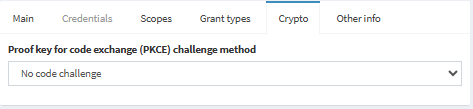
Crypto
PKCE information
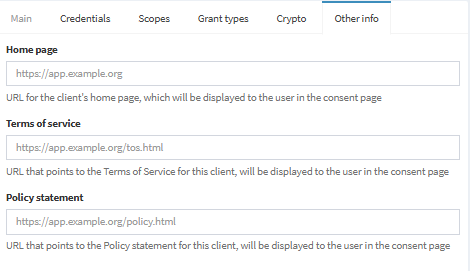
Other info
Additional information for your client
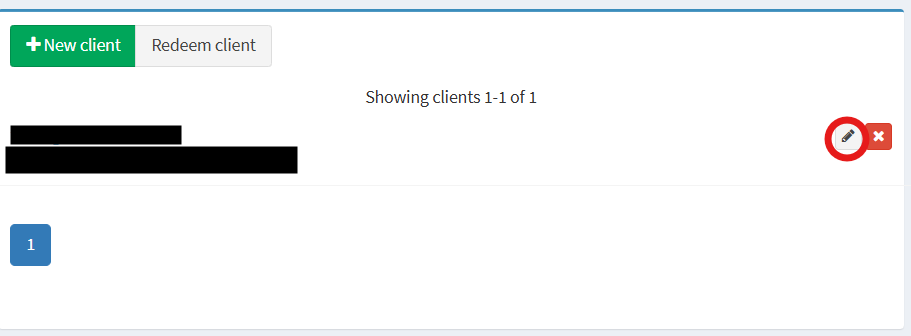
Editing a client
- You can click on the name of the client or the 🖉 icon.
Edit Client - After you have made the change, you can press Save client to confirm the change
Deleting a client
-
You can click on ✘ button
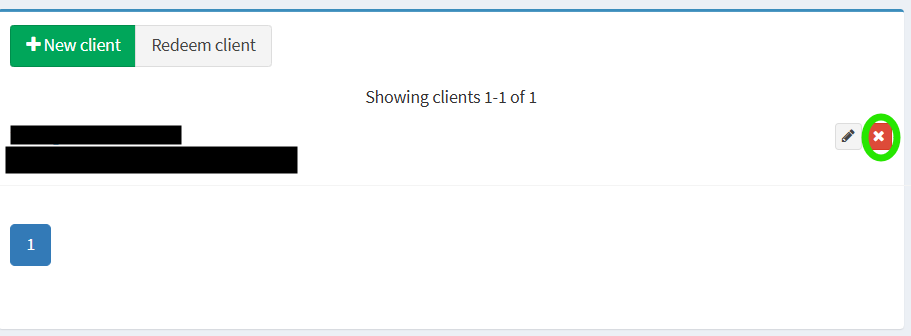
Delete Client -
In the popup click Delete client to confirm the delete

Delete Client popup