LLM generation
LLM-Based Generator (Chatbot)
Alternatively, the input file can be generated using a Large Language Model (LLM). This method provides an interactive chat interface where you can ask questions, request modifications, and get explanations about the generated input file.
Available Models
The following LLM models are available:
- OpenAI Models (require payment):
gpt-4o: Most capable model, best for complex queriesgpt-4o-mini: Faster and cheaper alternative-
gpt-3.5-turbo: Fastest and most economical OpenAI option -
Groq Models (free tier available):
llama-3.3-70b-versatile: High-quality open-source model
Setup
To use the LLM generator:
- Select your preferred model from the sidebar
- Provide the appropriate API key:
- OpenAI: Get your API key from https://platform.openai.com/account/api-keys
- Groq: Get your API key from https://console.groq.com/keys
- The chat interface will appear once the API key is provided
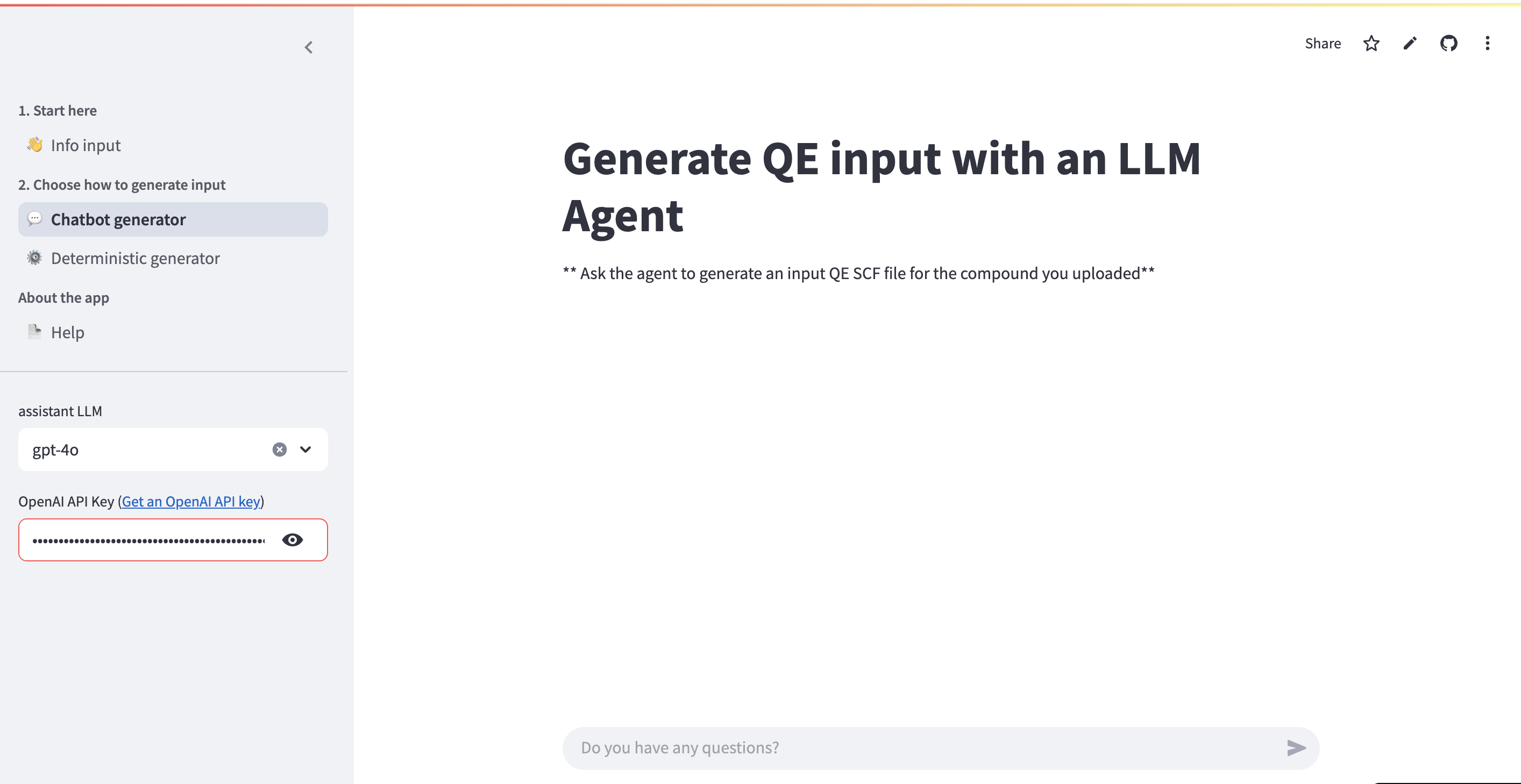
Usage
To generate an input file, simply ask the LLM agent to generate an input file. For example: - "Generate a Quantum Espresso input file for this structure" - "Create an input file with PBEsol functional and precision pseudopotentials"
The system uses a combination of prompting and tools under the hood to ensure correctness of the generation. The LLM has access to: - The structure information you provided - The selected parameters (functional, pseudopotential mode, ML model) - Knowledge about Quantum Espresso input file format
Additional Capabilities
The LLM can also: - Answer questions about the content of the generated input file - Make corrections to the input file based on your requests - Explain DFT simulation concepts and Quantum Espresso parameters - Provide guidance on convergence and parameter selection
Example Queries
- "What k-point mesh did you use and why?"
- "Can you change the smearing to Gaussian?"
- "Explain what the ecutwfc parameter means"
- "What pseudopotentials are being used for this compound?"